QuickBooks Online
Move customers and approved invoices into your accounting workflow without entering the same details twice.
Integrated
Build bids you can explain, schedule crews without the spreadsheet shuffle, and follow up with homeowners before the job goes cold.
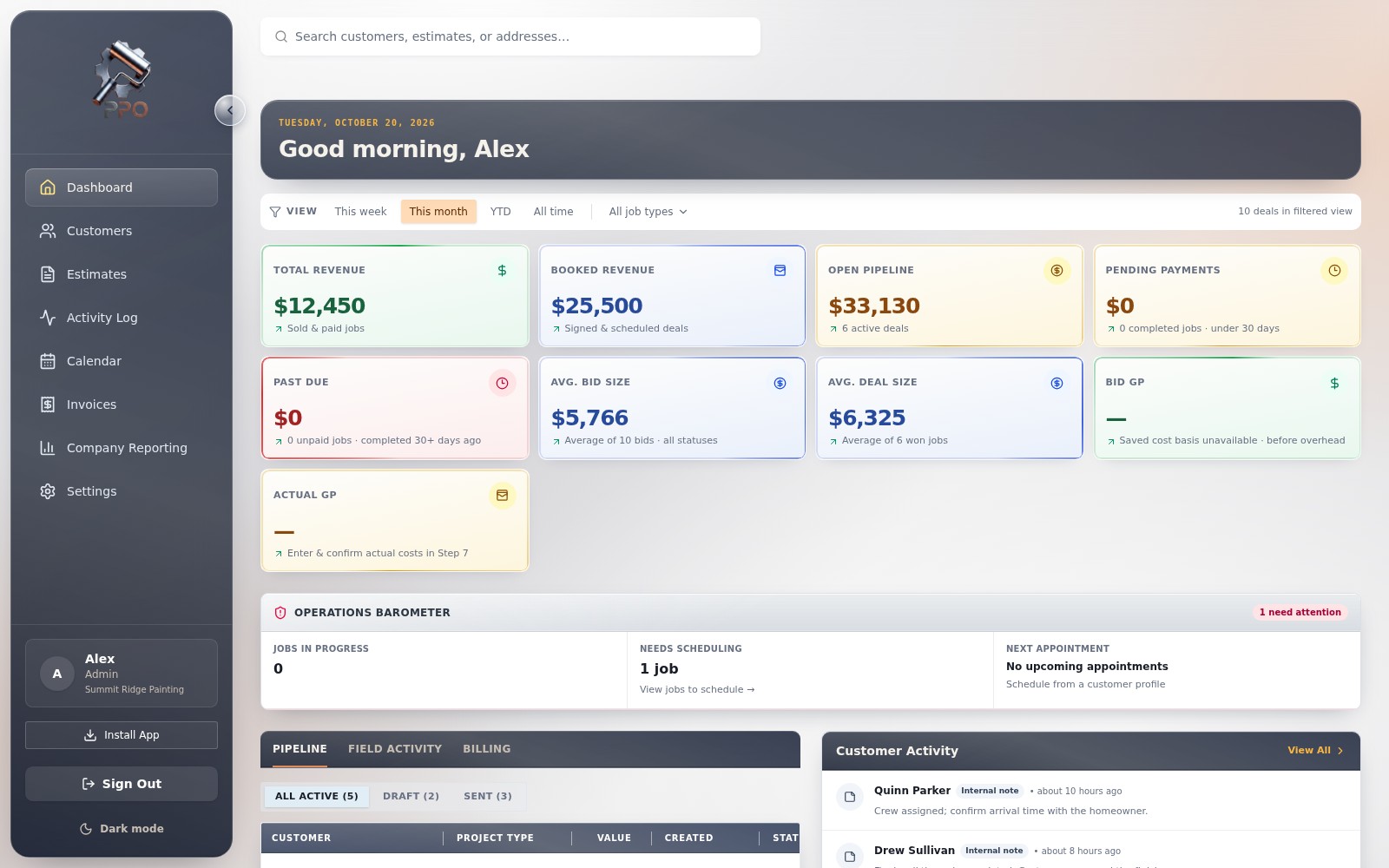
Most paint shops run on guts and grit and it costs them thousands every month.
Eyeballing bids leaves money on the table or worse, kills your margin halfway through the job.
Hot leads go cold while you're on the ladder. No system means deals slip through the cracks.
Texts, sticky notes, and group chats. Wrong crew shows up, customers get angry, jobs run late.
First few years you don't know your numbers. You bid low, work hard, and barely break even.
Quote, schedule, and follow up all from one dashboard your crew can actually use.
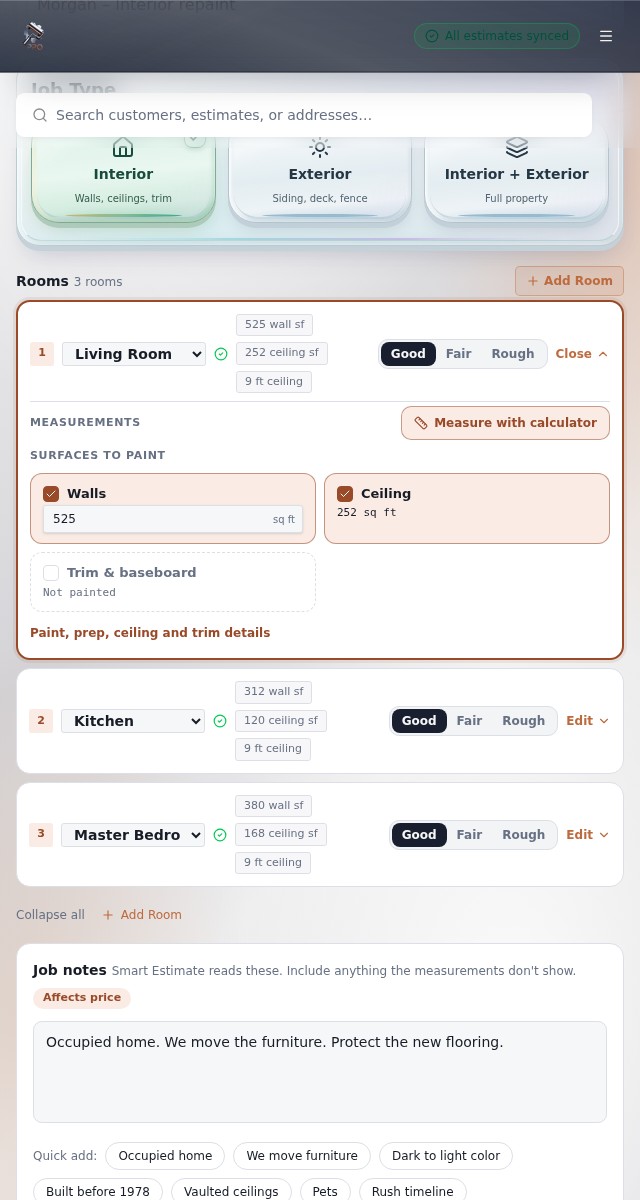
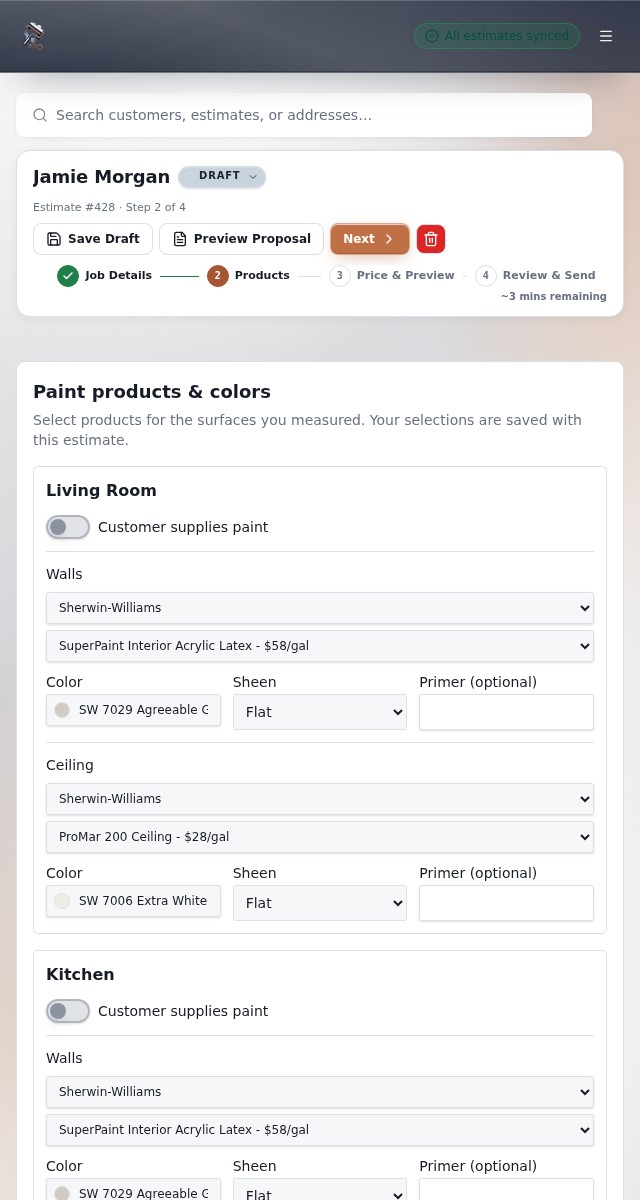
Our Estimating Bid Formula factors surfaces, prep, paint quality, ceiling height, and your crew's true cost to produce a profitable bid in under 5 minutes. Handle walls, ceilings, trim, and exterior with auto-priced job templates you can reuse.
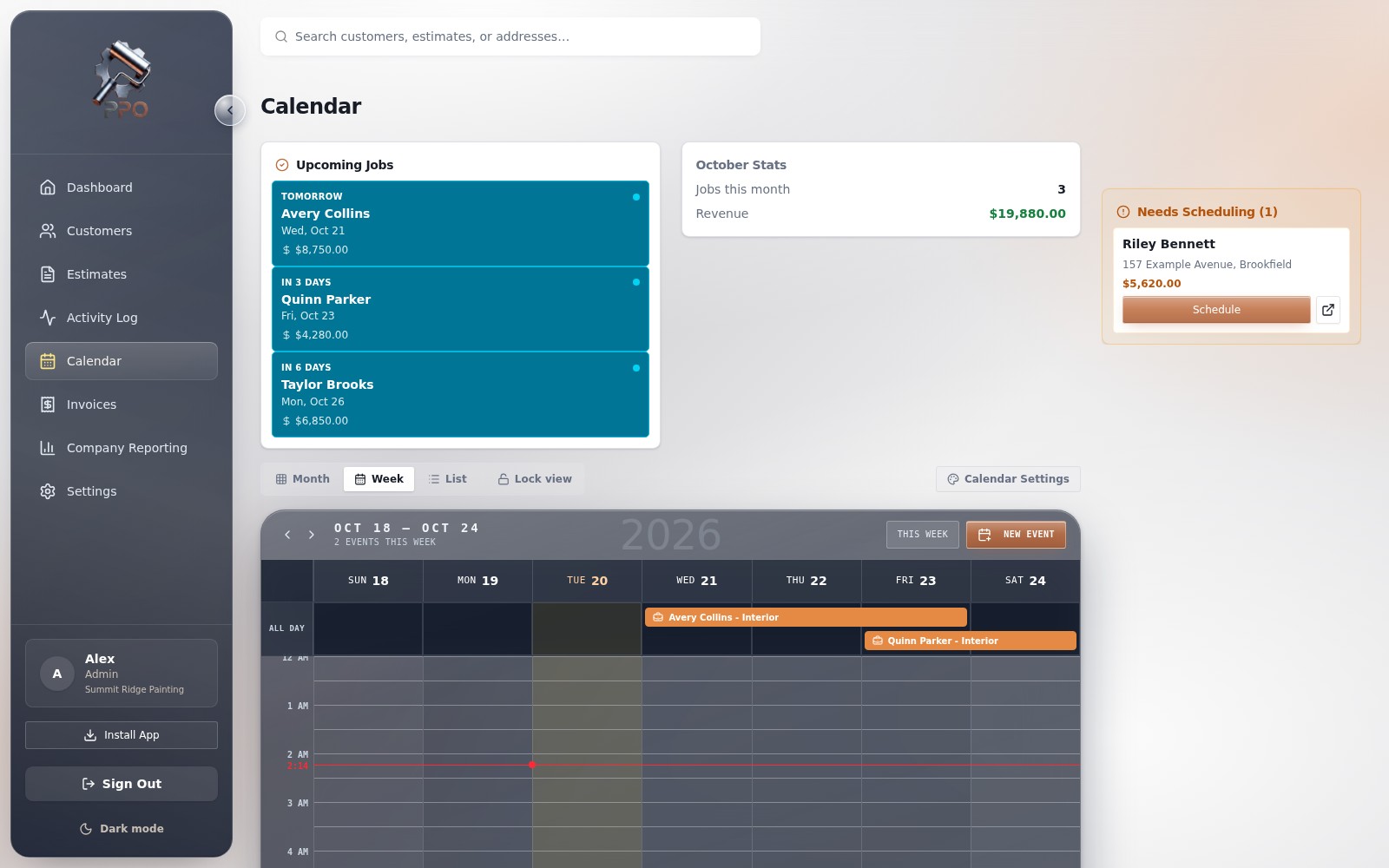
Map out your week street by street. Assign the right painters to interior or exterior repaints, batch nearby homes to cut windshield time, and keep every homeowner in the loop on arrival times.
Most repaints are won (or lost) on the third touch. PaintOps texts and emails the homeowner for you, drops in proof photos from past jobs in their neighborhood, and asks for the green light when they're ready.
Keep your accounting, job photos, and payments connected to the work happening in Pro PaintOps.
Move customers and approved invoices into your accounting workflow without entering the same details twice.
Connect job-site photos to the right customer and project so your field documentation stays organized.
Accept secure card payments and keep invoice payment status visible inside Pro PaintOps.
Feel in control from the truck, the ladder, or the office—and give every homeowner the organized, professional experience they expect.
Tell us your crew size, hourly cost, and overhead. Takes 2 minutes we'll prefill smart defaults you can tune later.
Punch in the address and surfaces. Our formula spits out a precise, profitable bid you can text to the customer in 5 minutes flat.
Customer accepts? Drag the job onto your calendar, assign your crew or sub, and the dashboard tracks the rest.
Real time pipeline value, close rates, and revenue dashboards show exactly where your money is and where it's leaking.
Fewer disconnected tools, clearer handoffs, and bids your team can explain.
Stop double entering data. Quote, schedule, and follow up from one screen.
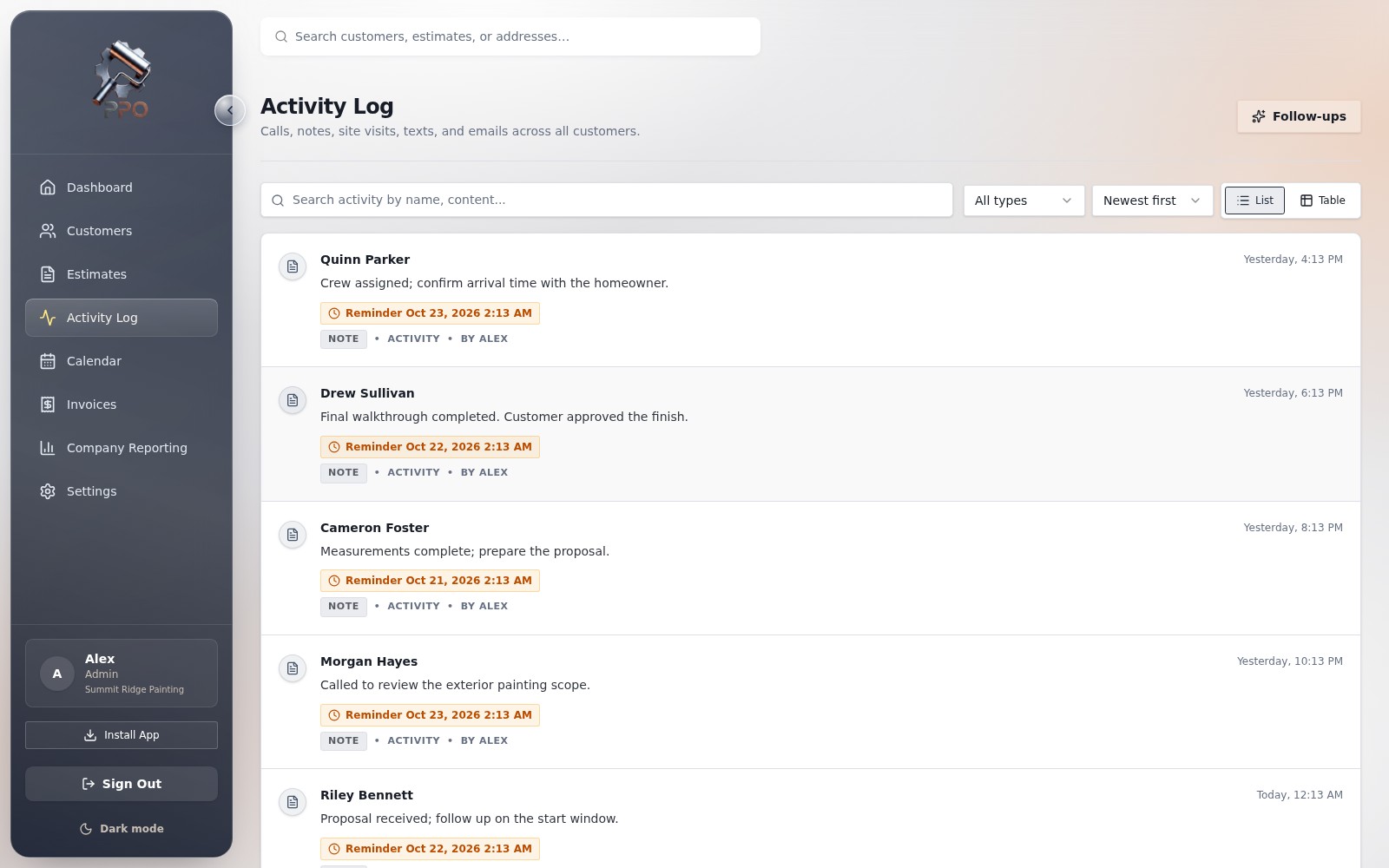
Keep every homeowner follow-up visible so a promising bid does not disappear into a spreadsheet.
Our formula bakes in real overhead so you never underbid yourself again.
We are collecting permission-based stories with full names, company details, and measurable outcomes. We will publish them here when each customer has approved the quote and photo.
The questions painting contractors ask before replacing a spreadsheet.
Yes. The estimate is built from visible job inputs such as surfaces, prep level, paint quality, ceiling height, coats, labor, and your company rates. You can review the numbers before a proposal is sent.
Yes. Set your own labor assumptions, paint products, coverage, and company rates so the estimate reflects how your shop actually works instead of forcing a generic national average.
Yes. Pro PaintOps supports a QuickBooks Online connection so your team can move approved work into the accounting flow without retyping every customer and invoice detail.
You keep access through the end of your paid billing period. After account closure, data is deleted or anonymized within a reasonable retention period unless legal, accounting, or security obligations require longer retention.
Access is currently exclusive. Contact ProPaintOps through the request form and we will follow up about your business.
Yes. Paid plan limits apply to Admin and Project Manager seats. Crew and subcontractor seats are included so the people doing the work can see the information they need.
Keep your customers, estimates, jobs, crew, and payments organized in one place.